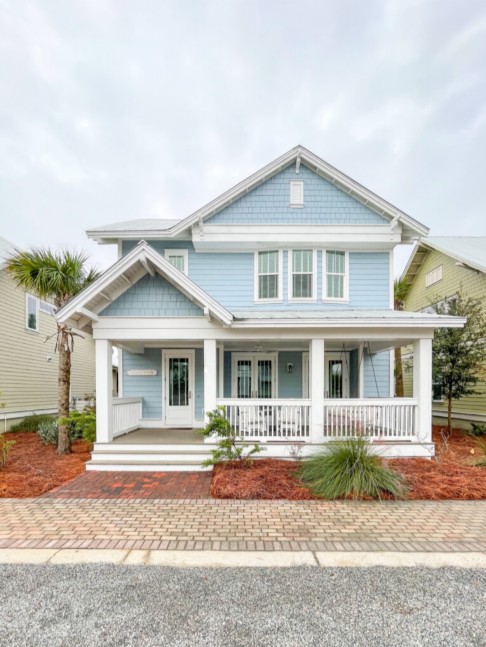
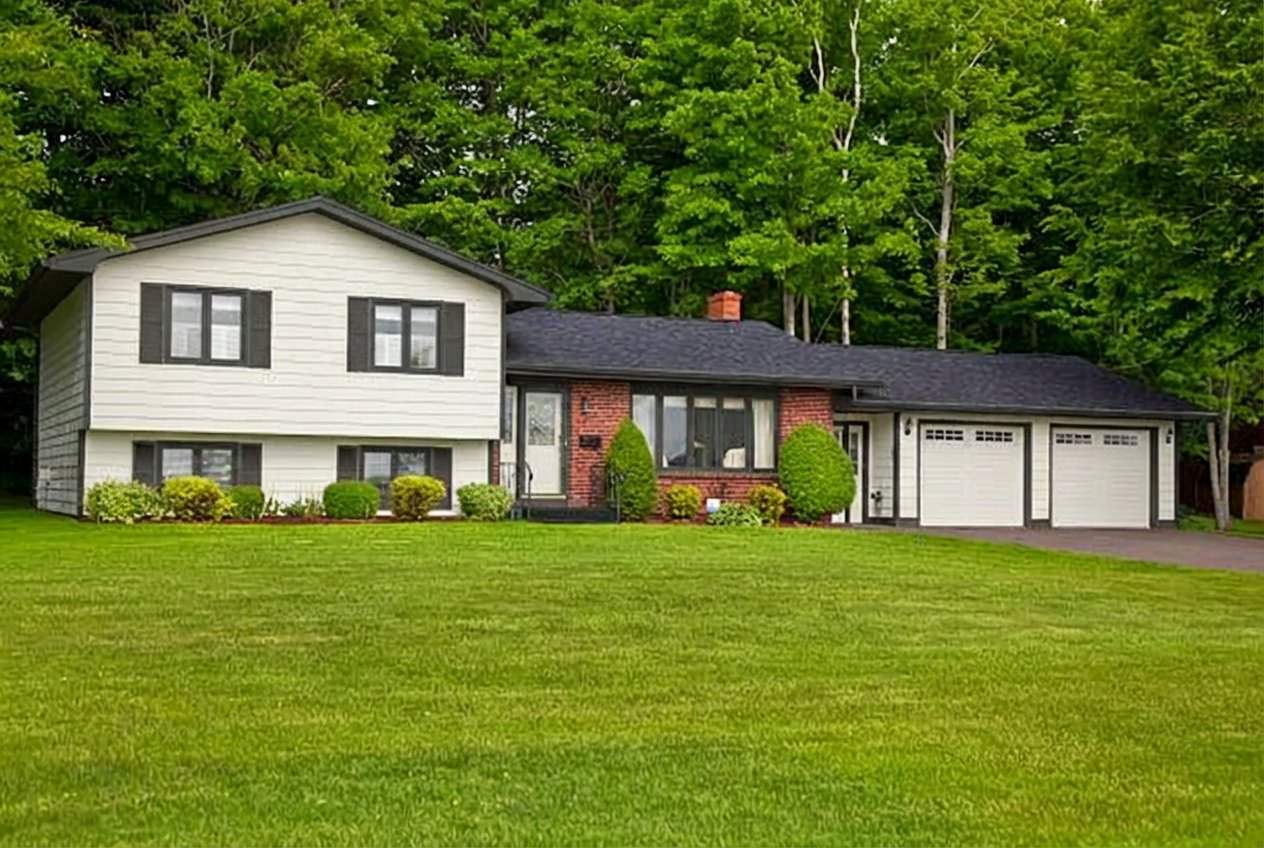
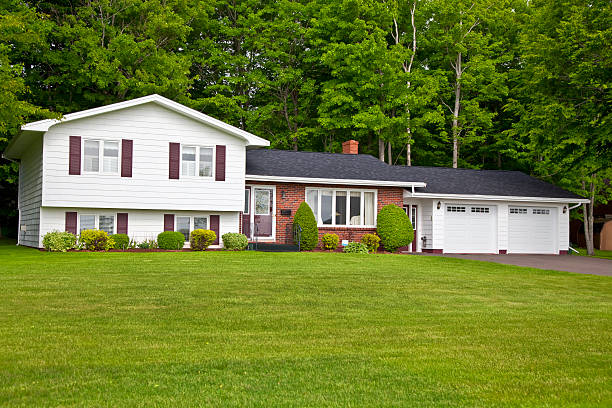
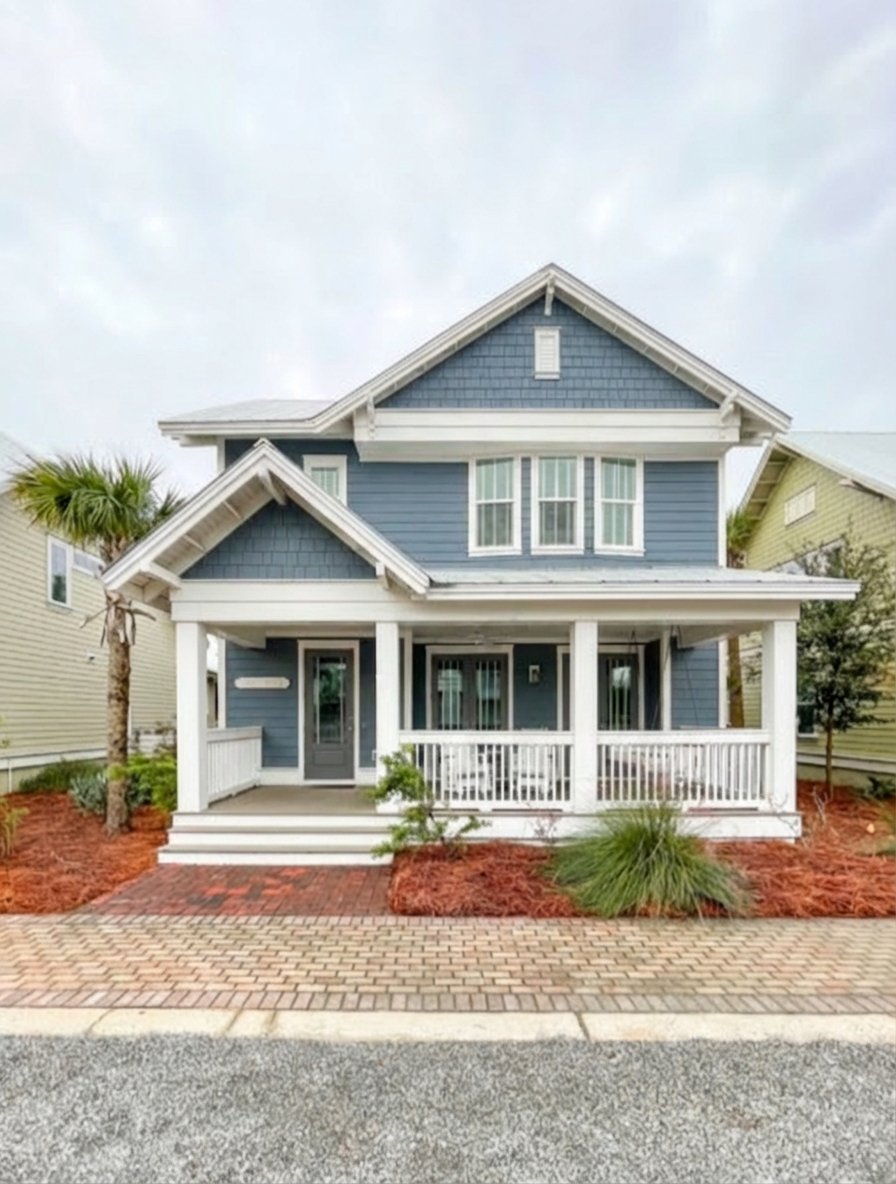
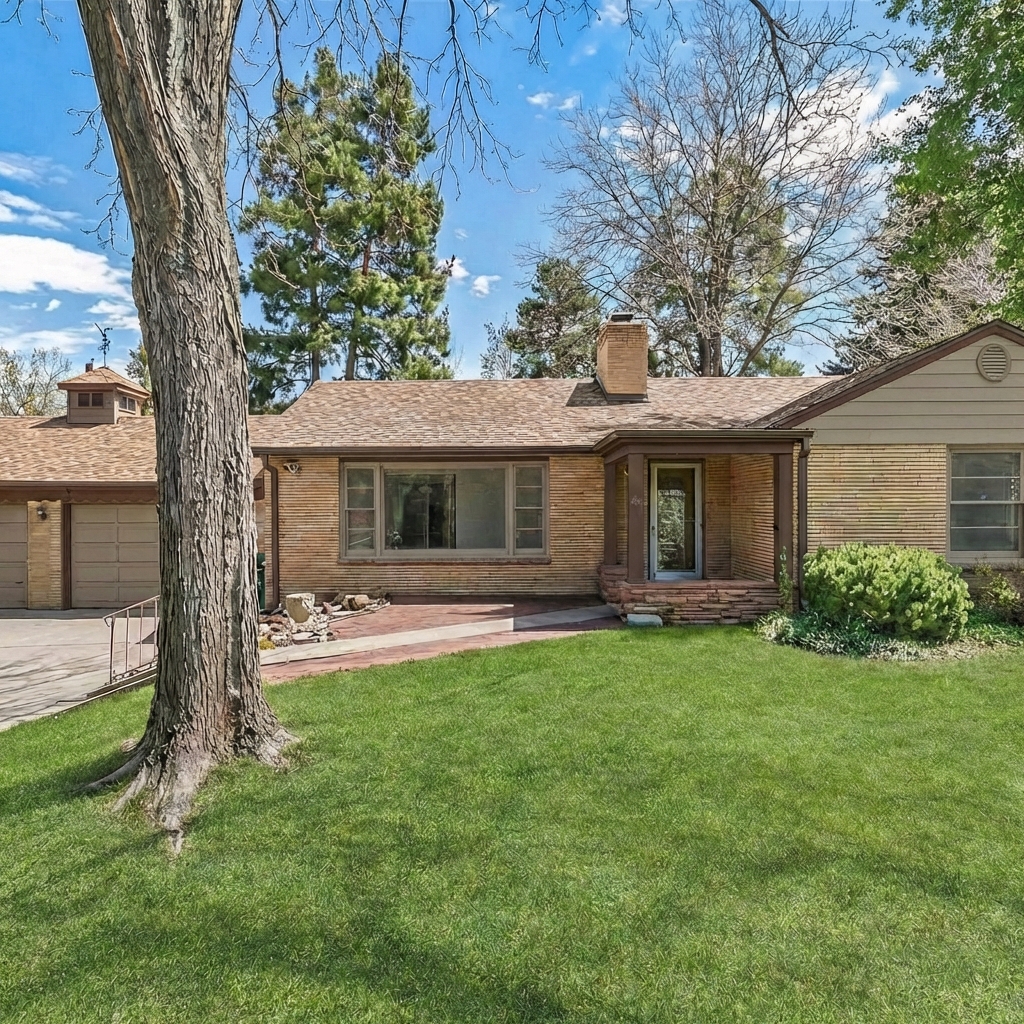
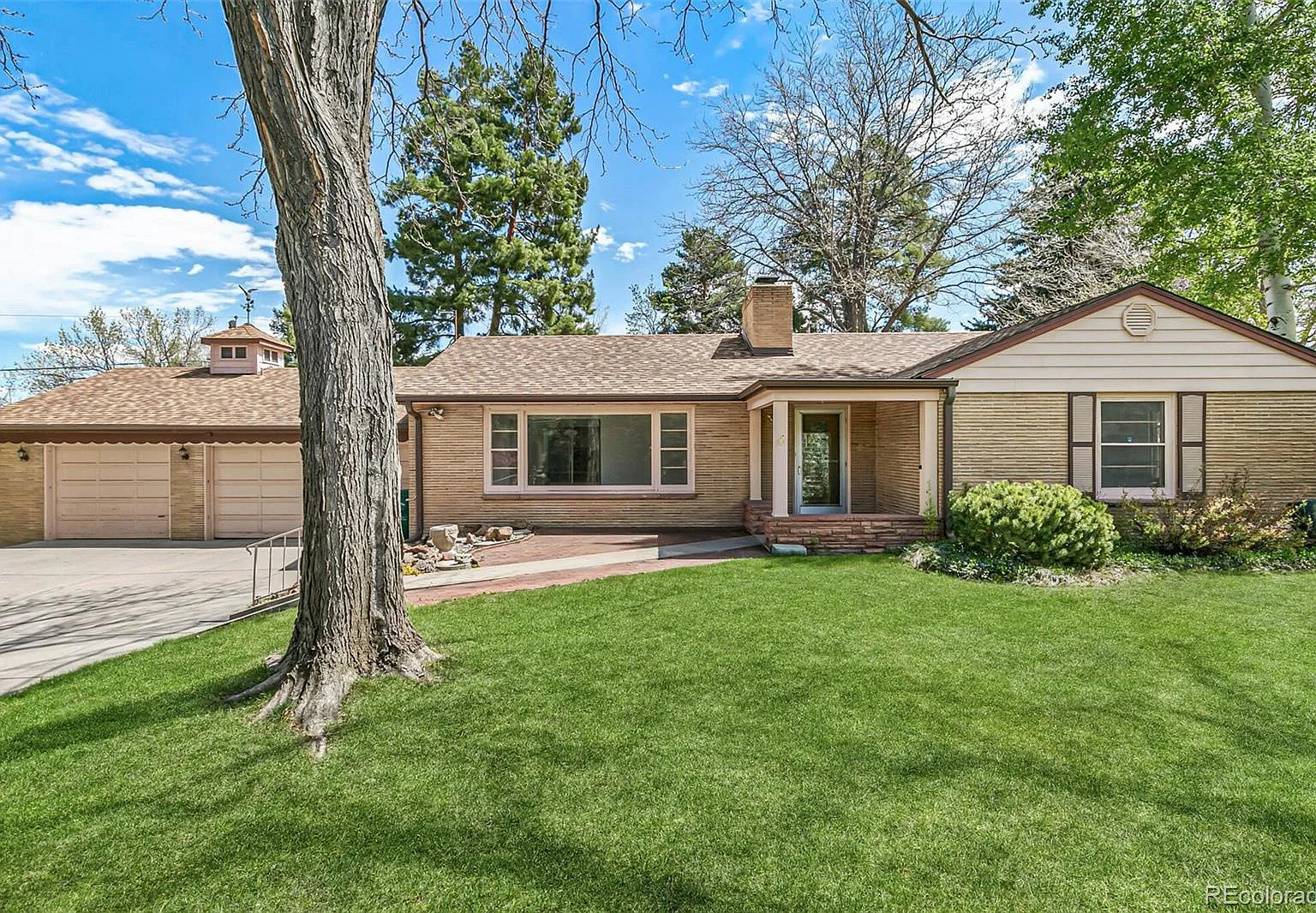
See Your Home in a New Color Before You Paint

Upload a photo. Pick your colors. Get a photorealistic visualization in seconds.

1,400+ homes visualized · No credit card required
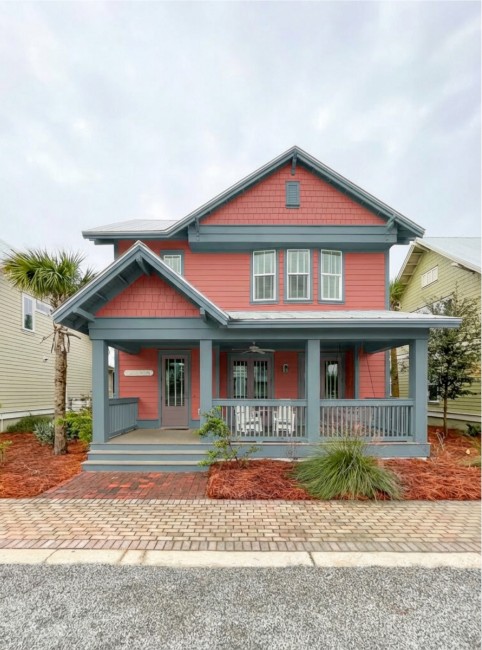
Drag to compare · Swipe for more

Everything You Need to Preview Your Paint Job

Professional-grade visualization tools, powered by AI

Photorealistic Preview

See photorealistic renders of your home in new colors. Every detail preserved — windows, textures, landscaping.

Curated Palettes

Browse professionally curated color palettes. Pick colors for walls, trim, and doors independently.

Share With Anyone

Send your render to your partner, painter, or designer — one link, no signup required. Get everyone aligned before the first brush stroke.

How It Works

From photo to preview in under a minute

1

Upload a photo of your home

Snap a shot from across the street and upload it — or enter your address if you don't have a photo on hand.

2

Choose your colors

Browse curated palettes or pick any custom color. Set separate colors for walls, trim, and doors.

3

Add curb appeal enhancements

Go beyond paint — toggle on landscaping, a new front door, paver driveway, shutters, pathway lighting, and more. AI handles the rest.

4

See it before you paint it

Get a photorealistic preview of your home with your colors and upgrades applied — view your new home before you paint.

5

Compare and refine

Try multiple color schemes side by side. Adjust until it's perfect, then download your proposal.

Find Colors for Your Home Style

Curated Sherwin-Williams palettes for the most popular American home styles

What Homeowners Are Saying

Real results from real homeowners

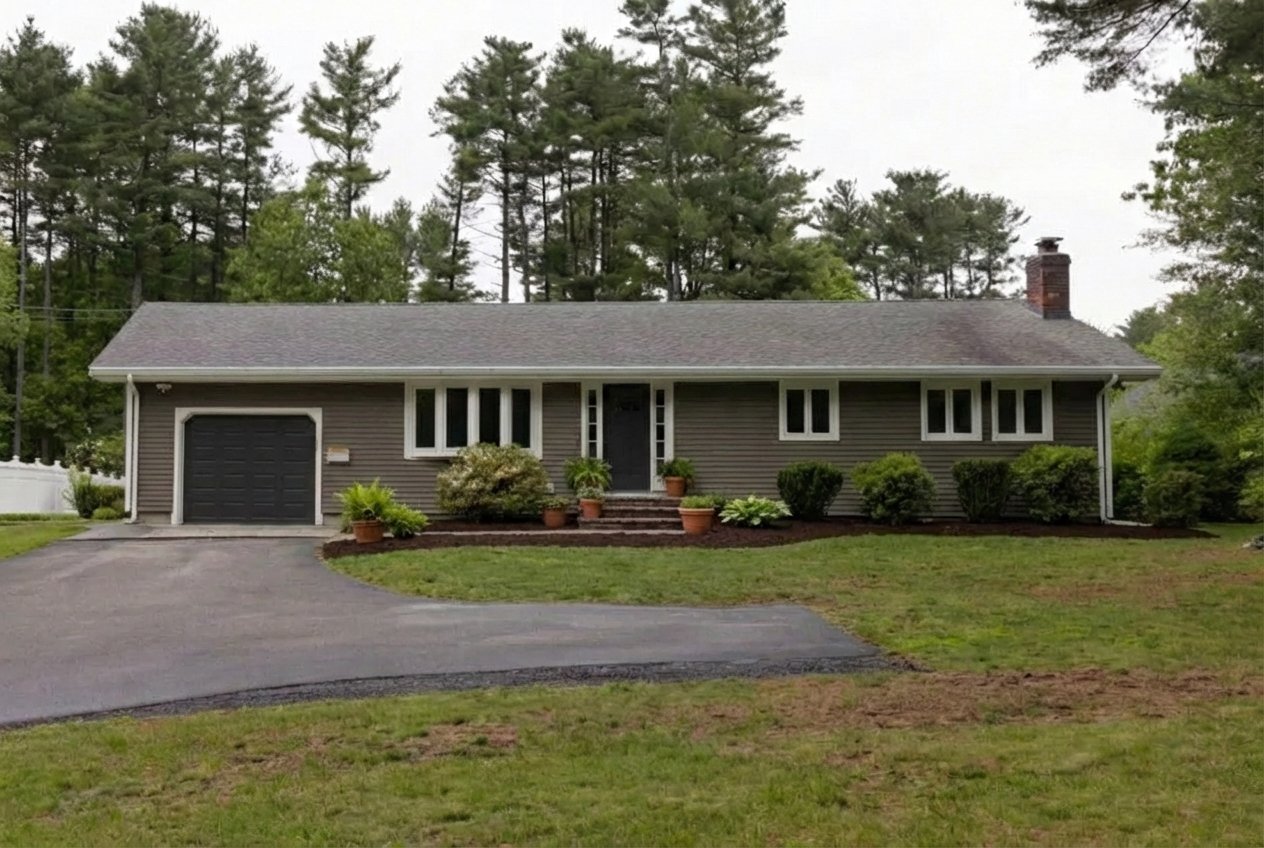
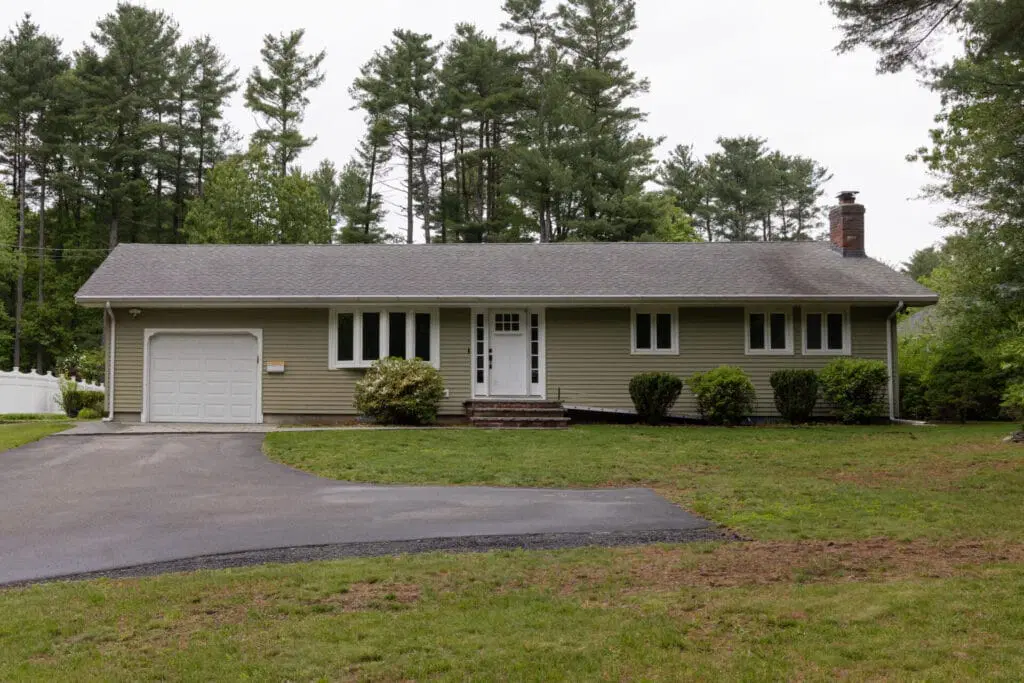
You should be really proud of what you have created, truly. I found PaintVue on Reddit and people seem to really like it. It was incredibly helpful for picking our exterior colors.

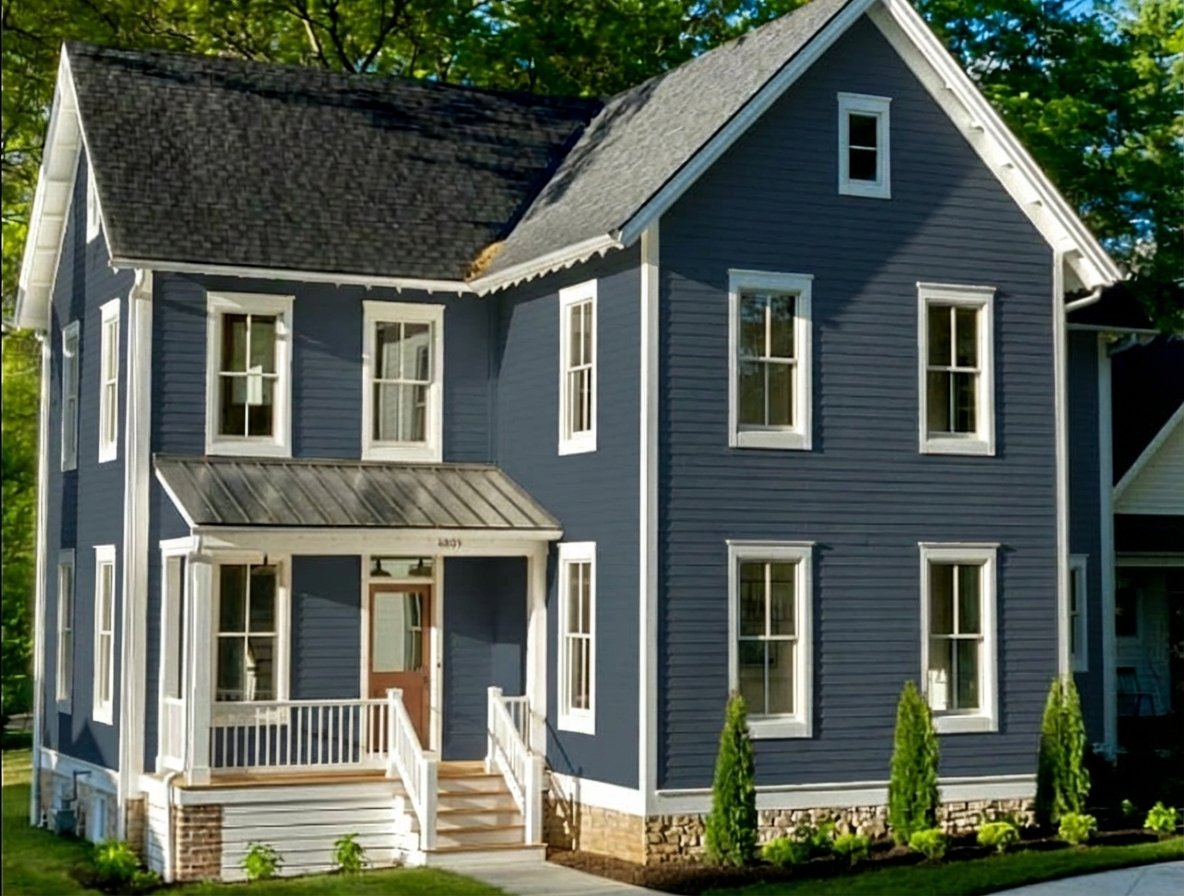
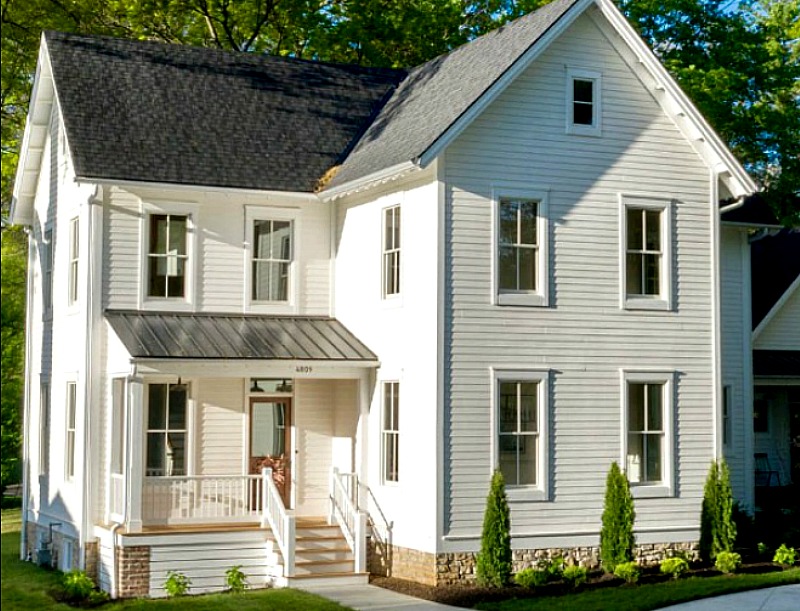
Ana's house after AI paint visualization
Ana's house before — original exterior

Drag to compare

Ana M.
PaintVue Customer

“I had already purchased some paint and in person, I was not liking the results. Through PaintVue I was able to try the paint in different areas and with other colors to see if I could improve the look. The site even allowed me to change door colors from the trim color, the upstairs paint color different from the downstairs, for more personalization. I highly recommend and was so grateful to find it!”

Donna M.
PaintVue Customer

“PaintVue was super helpful in pairing different roof colors with siding/trim schemes, especially with renovations coming up. It's much better than Sherwin-Williams' paint visualizer!”

Courtney J.
Homeowner

This gives a much more realistic result than all the other AI pics. The colors actually work with the architecture of the house.

— dogmom_humanaunt

Very cool tool. Super easy to visualize different paint colors on my home before committing.

— Dan

Simple Pricing

3 free renders — no credit card required. Buy more when you're ready.

Starter
$1.99
4 renders
$0.50/render
Get Started
Best Value
Standard
$8.99
20 renders
$0.45/render
Buy Credits
Bulk
$18.99
75 renders
$0.25/render
Buy Credits

Painter or designer? White-label portal, website embed, pipeline tools & more → Pro

Frequently Asked Questions

How accurate are the previews?+

PaintVue produces photorealistic visualizations that accurately represent how your chosen colors will look on your home. Your home's architectural details, textures, windows, and landscaping are preserved while applying the new colors naturally.

What photos work best?+

Clear, well-lit front-facing photos of your home work best. Snap a photo from across the street during the day. Avoid photos taken at extreme angles, in heavy rain, or with significant obstructions like trees covering most of the house.

How long does a visualization take?+

Most visualizations are ready in under 30 seconds. Upload your photo, pick your colors, and your preview generates immediately. You can refine and regenerate as many times as your plan allows.

What colors do you support?+

We offer curated palettes with popular Sherwin-Williams colors organized by style (coastal, warm neutrals, cool neutrals, blues, greens, earth tones, and more). You can pick separate colors for walls, trim, and doors. Any color you can imagine, we can visualize.

How is this different from other paint apps?+

Most paint visualization apps use simple color overlays that look fake. PaintVue generates truly photorealistic renders that understand your home's architecture. Plus, we include side-by-side comparison tools and a refinement loop so you can perfect the result.

Want to see it in action?

View Before & After Gallery

Your Home's Next Look Is One Photo Away

Try it free — see your home in new colors in seconds.

Try It Free